Frequently Asked Questions
Answers to common questions about WatchieBesti.
How do I give the app access to health data?
When you first open the app on your Apple Watch, it asks for HealthKit permission. Tap Allow. You can change this in Settings → Privacy → Health at any time.
Why aren't my steps counting?
Make sure the Apple Watch is worn during activity and that HealthKit permission was granted. Steps are synced when the watch is in range of the iPhone.
I got a new Apple Watch — what happens to my pet?
Your pet is backed up via iCloud. Sign into the same Apple ID on your new watch, install WatchieBesti, and your pet should restore automatically. Give it a moment to sync after first launch.
How do I delete all data?
Uninstalling the app removes all pet data stored on device. HealthKit data is controlled separately in the Health app.
Does the pet get sad if I have a bad day?
The pet has moods, but never a punishing state. The worst case is a calm sleeping animation. There is no "game over" and no shaming language.
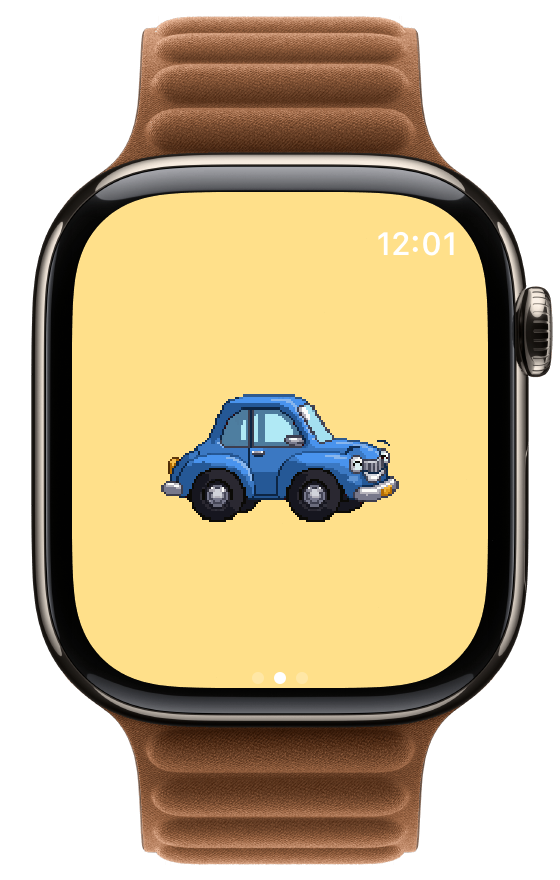
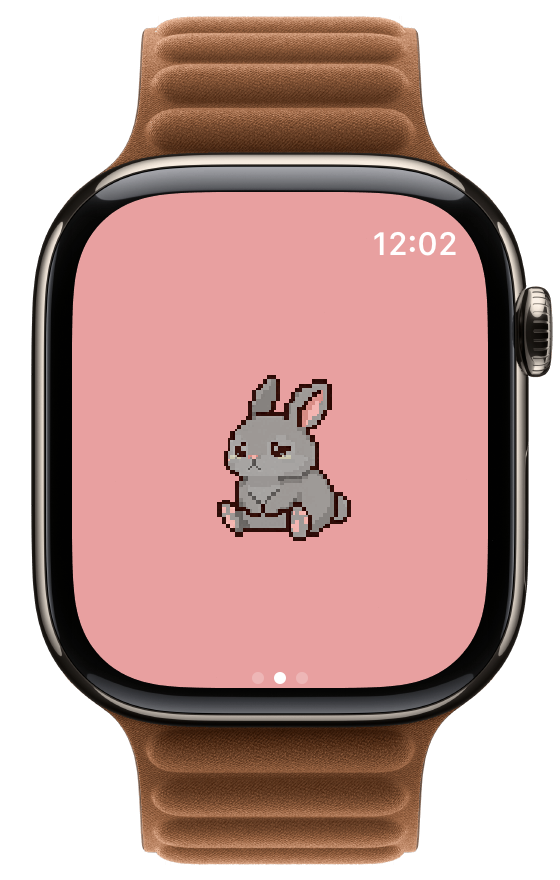
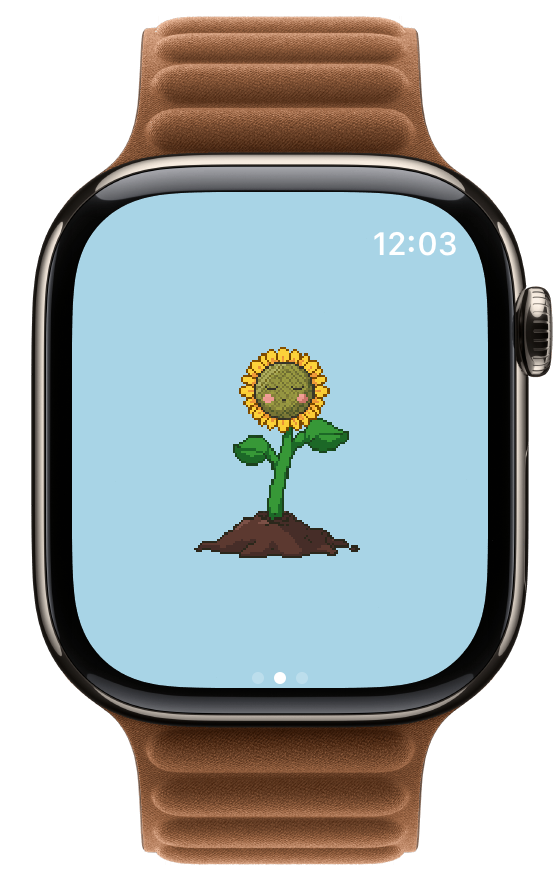
My pet disappeared or reset to an egg
This can happen if the app was deleted and reinstalled, or if the watch was unpaired and re-paired. WatchieBesti uses iCloud to back up your pet's data — if you reinstall the app and are signed into the same Apple ID, your pet should restore automatically. If your pet doesn't appear after reinstalling, open the app and wait a moment for iCloud to sync.
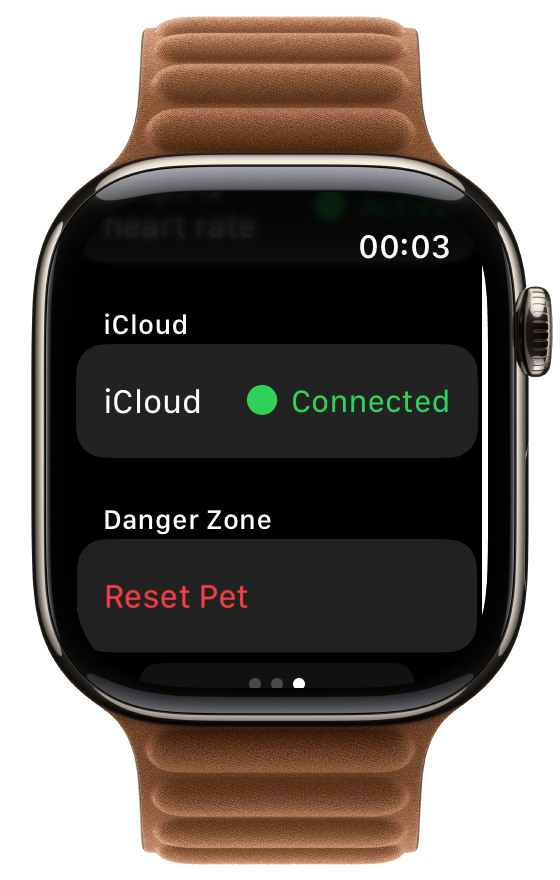
The complication shows a code instead of text
This is a display bug when the app updates but the watch hasn't caught up. Force-quit the app on your watch (swipe up from the watch face, swipe the app away), then reopen it. If the complication still shows wrong text, remove it from your watch face and add it again.
How do I choose what kind of pet I get?
When your egg hatches, you pick a kingdom. Inside that kingdom, the species you hatch is a surprise — there are dozens of species in total to discover, and each kingdom feels different.
Can I change my pet's species later?
Your pet stays with the species it hatches as. When it reaches adult and stays engaged for a sustained window, it graduates into your kingdom collection — and a new egg arrives. That's where the variety comes in over time.
What happens when my pet grows up?
Once your pet has been an engaged adult for long enough, it graduates. It joins your permanent kingdom collection — you can browse all your graduated pets in the iPhone companion app. A new egg appears on your watch and the loop starts again.
Can I keep my old pet after a new egg arrives?
Yes. Graduated pets live in your kingdom collection forever. On the watch: swipe left on the pet screen, tap your kingdom, then scroll down to find your graduated pets. On iPhone, the family habitat view shows them all together.
What unlocks achievements?
All sorts of things — your first egg, your first hatch, completing a colour set in a species, hitting daily-streak milestones, and many more. The full list is part of the discovery experience, so we don't spoil it here.